How To Design With Nanobanana 2
Nanobanana 2 has the best style understanding I've seen.
Nanobanana 2 has the best style understanding of any image generation model I've ever used, from understanding handwriting style to reimagining detailed historical aesthetics.
That makes it uniquely positioned to DESIGN.
The technique I've been using is this: Evolutions. Start with a reference. Build outward. Each node in the graph is one step further from the original, shaped by a new reference. You're tracing a lineage or inspirations.
The Workflow
I do this entirely inside Freepik Spaces (this is my Template, which you can copy! All the prompts are already in there). The node-based canvas makes it easy to see the evolution happening as you build outward.
Step 1: Upload Your Reference
Drop in your projects and references. These are the root nodes. The whole evolution grows from here. Don't overthink the quality: raw references often work better than polished ones.
Step 2: Drag Out a New Node
From your image node, drag to create a new connected node. Attach an Image Generator node to it. Select Nanobanana 2 as the model. This is where the style understanding applies. The model reads your reference and holds it in context as it generates.
Step 3: Write a Prompt That Steers
The prompt should describe what you want to shift, not rebuild from scratch. Direction words work well here: "applied to a portable speaker," "as a 1990s medical device," "same material, smaller form factor." You're nudging; use "@" to call to the original reference.
Step 4: Keep Evolving Outward
Drag new nodes from the generation you like best. Each step can drift further in a new direction or refine what you already have. Some of my best results are 3–4 generations deep. The chain preserves history even as the concept shifts.
What I've Been Making
I've been fascinated with retro technology lately, so I've been reimagining my tamagotchi enclosure in these styles.
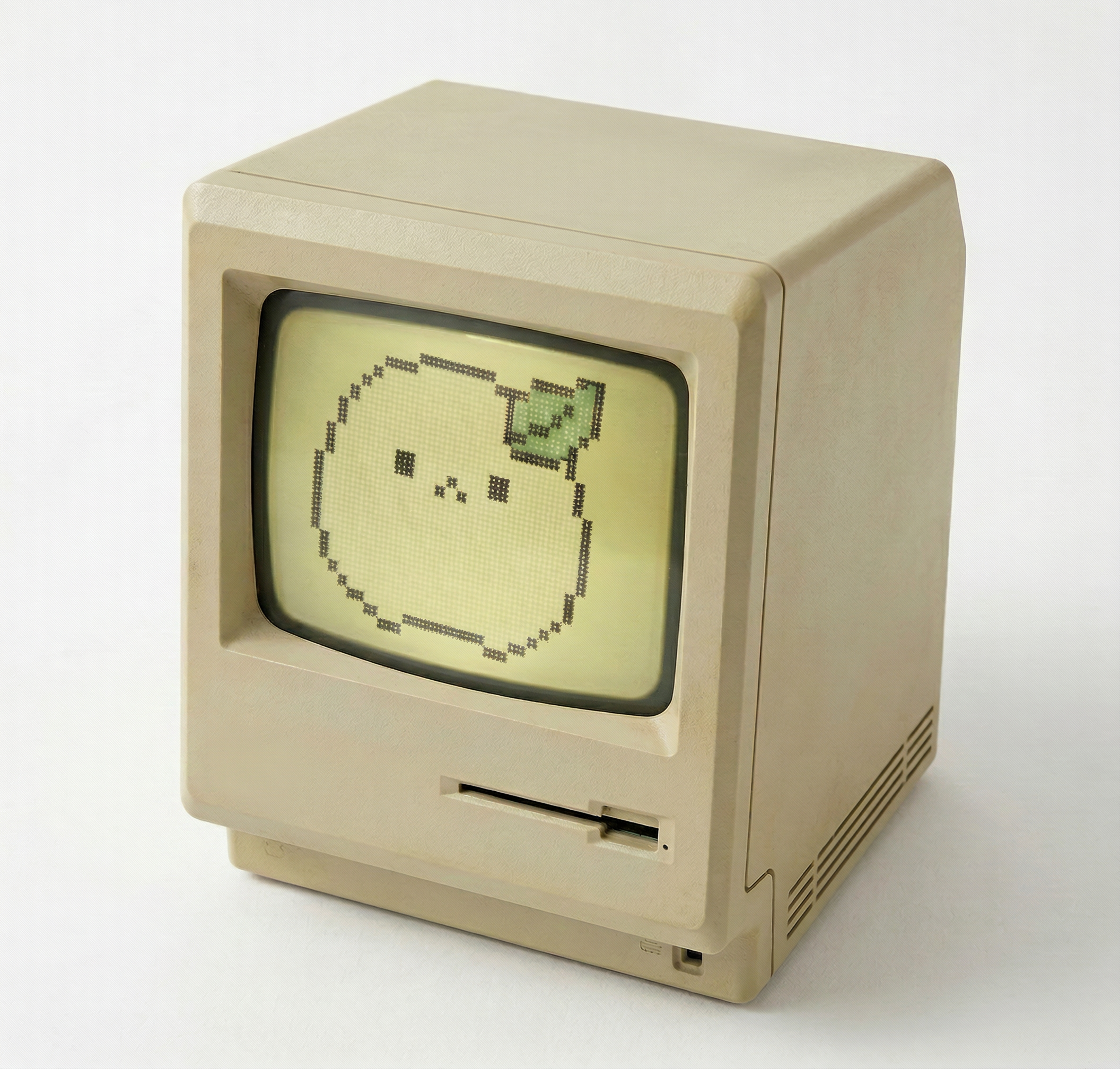
Mac SE x Bit
Classic Mac SE form factor.
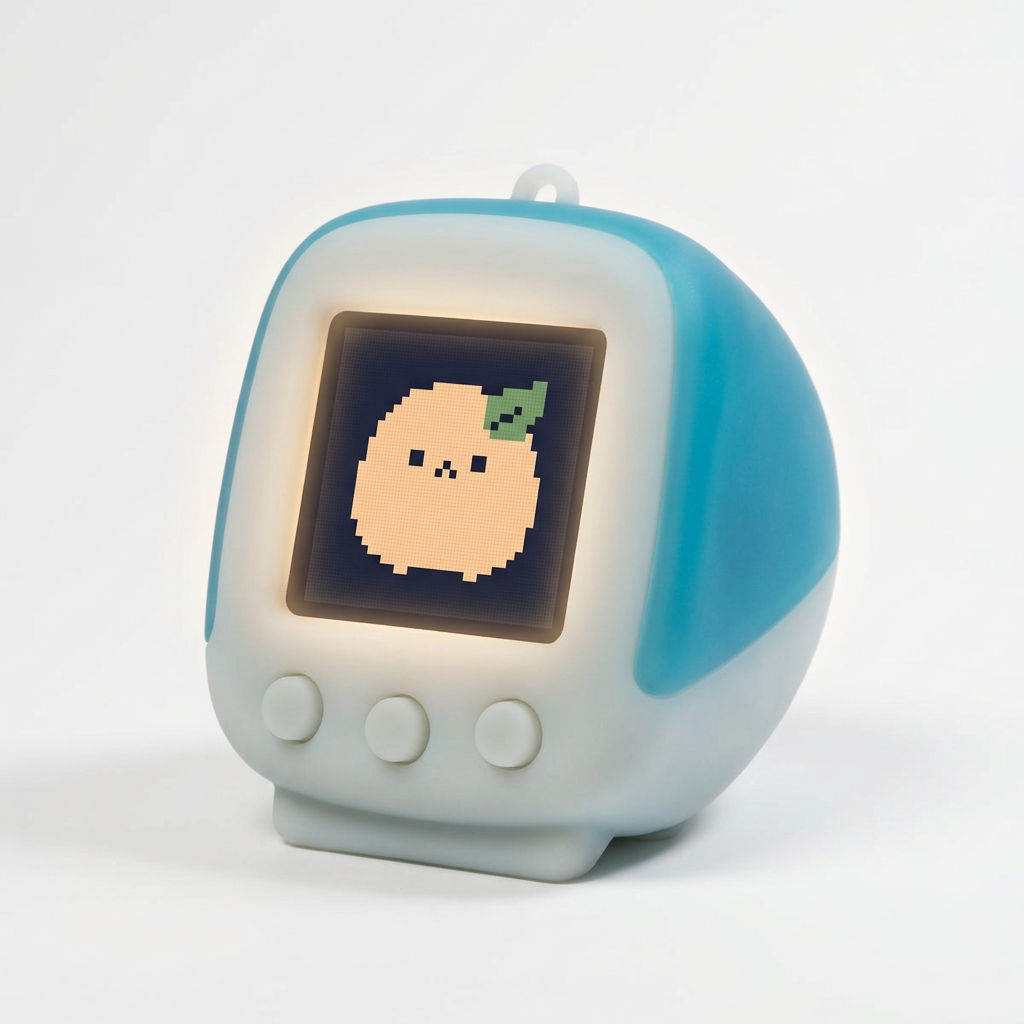
G3 x Bit
iMac G3 colorway.
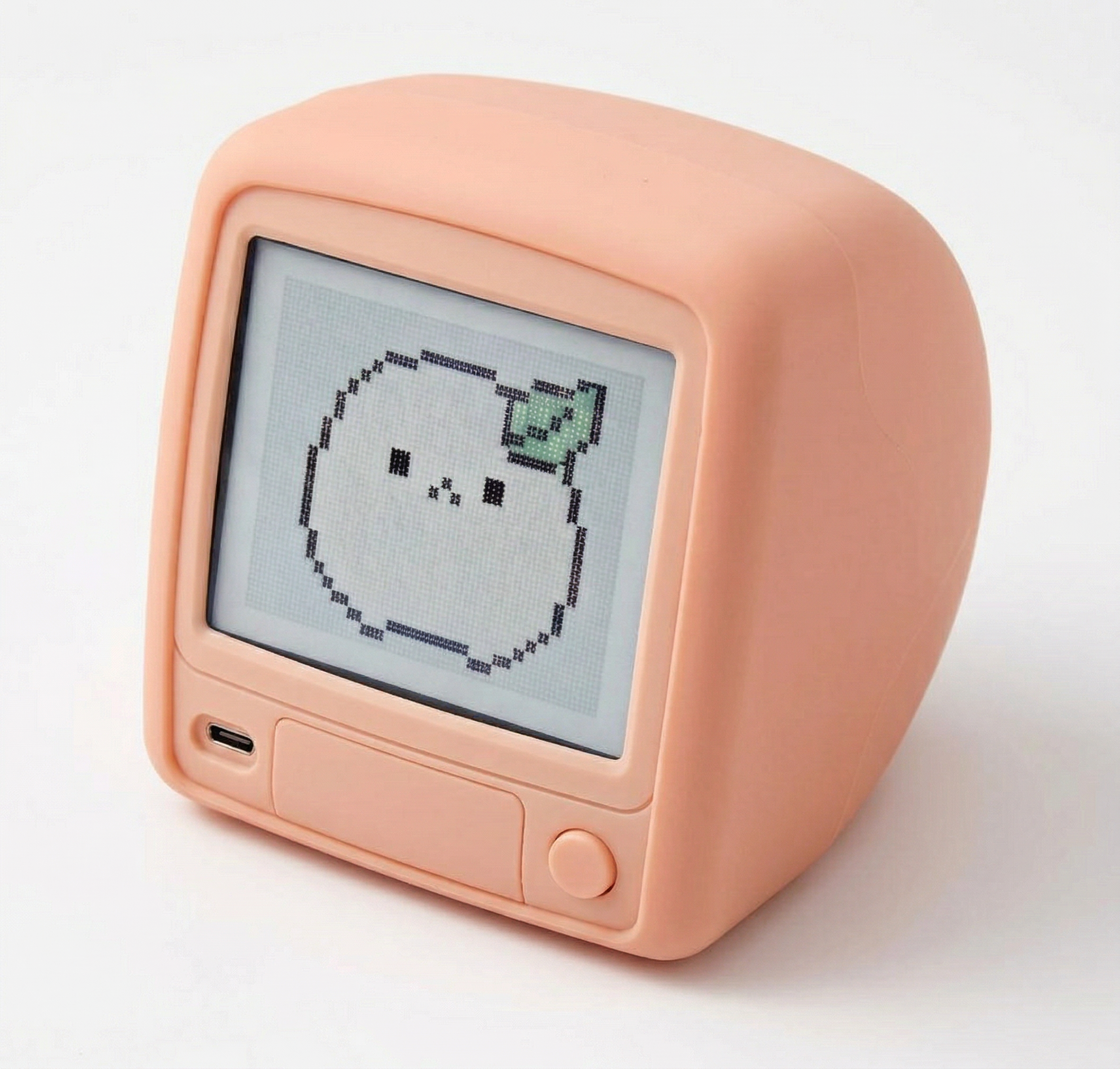
Gummy TV x Bit
A gummy, translucent pink TV.